-
AuthorSearch Results
-
June 30th, 2018 at 00:03 #65443
In reply to: Slider busted in Firefox and Edge?
Gyazo is an image sharing site. That image itself leads to http://studio6-9.com/wp-content/uploads/2018/06/zIDAuqd.png and that was to show what the image itself was saying in Microsoft’s Edge browser so you’d need to do view-source:http://studio6-9.com/wp-content/uploads/2018/06/zIDAuqd.png no? Given the one is basically just an image sharing platform I used to take a picture of the issue I’d expect it to operate much the same. That said they seem to be operating normally now even with a shift + reload on the page which clears the cache so I’m really unsure what was happening there..
That said and sorry to deroute the thread a tiny bit, but it’s been awhile since I’ve done a website. If i adjust the width on the sample page both sides are a gray color. I don’t know where I would edit this color as it’s not an option for the Septera theme in options as far as I can tell. I’d like to blend those side colors into the sites color theme a bit more so that I can minimize the post width without a side bar being on. Is that something I can do and if so do you happen to know how or what it is called in that theme?
June 29th, 2018 at 20:51 #65434In reply to: Trouble changing fonts
Zed
Cryout Creations mastermind@briancpearl: either here or through our faster priority support service (that comes with the Plus theme), I will still need you to indicate which elements you’re having trouble with (so I can look at them and investigate where their styling comes from).
For .main p, using
body .main p { }should be sufficient in most cases.If you like our creations, help us share by rating them on WordPress.org.
Please check the available documentation and search the forums before starting a topic.June 29th, 2018 at 20:26 #65432In reply to: Title/Menu overlap on mobile
Cryout Creations mastermindThe menu content needs to fit in the available space on the target screen sizes, before the mobile menu activates (or the mobile menu needs to be customized to activate earlier – at the point the used menu no longer fits).
Fluida Plus has the mobile menu activation point value configurable.
@atajungs: you edited theme files and broke the code, resulting in malfunctioning layout and footer.If you like our creations, help us share by rating them on WordPress.org.
Please check the available documentation and search the forums before starting a topic.June 29th, 2018 at 20:17 #65428In reply to: Submenu items were covered by mainmenu
Cryout Creations mastermindThe menu content needs to fit in the available space on the target screen sizes (or the mobile menu needs to be customized to activate earlier – at the point the used menu no longer fits).
Fluida Plus has the mobile menu activation point value configurable.
If you like our creations, help us share by rating them on WordPress.org.
Please check the available documentation and search the forums before starting a topic.June 29th, 2018 at 20:14 #65426In reply to: Slider busted in Firefox and Edge?
Cryout Creations mastermindI have not checked all, but at least one of the “images” is not an image. It is in fact HTML returned by the server. You can see that by entering
view-source:https://i.gyazo.com/cbb770728089ca1061488a8ab43c29ad.png
in the browser’s address bar (force refresh once if it isn’t displaying code).If you like our creations, help us share by rating them on WordPress.org.
Please check the available documentation and search the forums before starting a topic.June 29th, 2018 at 19:32 #65419In reply to: Trouble changing fonts
Zed, is this the kind of thing where my client could purchase the pro version of the theme to get the support that comes with it and you all would be able to track this down?
Thanks!
June 28th, 2018 at 04:07 #65369In reply to: Trouble changing fonts
Thanks Zed. Right now we’re just trying to change the “.main p” font, but I know my client wants to change more then that. When we change the font in the theme’s Typography panel it doesn’t effect the text on the site.
Also, Zed, is this the kind of thing where my client could purchase the pro version of the theme to get the support that comes with it and you all would be able to track this down?
June 28th, 2018 at 03:52 #65368In reply to: Trouble changing fonts
Thanks Steve…I found a div called “wpb_wrapper”, and it seems to have a couple of fonts loaded for it. I’m going to try and track that down.
I believe the original designer paid for the child theme…the child theme is called “Fluida No Link”. Is it really possible that the child theme needs updating?
June 27th, 2018 at 23:30 #65359In reply to: GDPR -WordPress Comments Privacy Checkbox
is there maybe a way to remove this GDPR checkbox by adding a some code to functions.php?
I tried this snippet:function remove_comment_fields( $fields ) { unset( $fields['cookies'] ); return $fields; } add_filter( 'comment_form_default_fields', 'remove_comment_fields' );bit it didn’t work for me.
And maybe something to remove the email field as well?
I would like to remove both, the email field and GDPR checkbox, so I can avoid, that any cookies will be set (this happen only after GBPR box is checked on) and improve the privacy by not saving the email adress.
The simple removal of email field in comments.php is not working, the field still remain required and the comment will not be sent.
I tried this snippet to remove the email field:function remove_comment_fields( $fields ) { unset( $fields['email'] ); unset( $fields['cookies'] ); return $fields; } add_filter( 'comment_form_default_fields', 'remove_comment_fields' );bit it didn’t work for me, too.
If you have some idea, I would be happy for any help.PS: I’m unig Anima
June 27th, 2018 at 10:38 #65326In reply to: Fluids Plus – Remove HOME on Landing page?
Cryout Creations mastermindThe theme has an option to control the visibility of pages and categories titles. You can find it under its General > Structure options.
For customers we provide the priority support service. It is under the same menu item you used to reach the forum (and also indicated in the side menu when logged in).
On the forums we provide free support, for which we cannot guarantee either a timeframe or the availability of an answer.If you like our creations, help us share by rating them on WordPress.org.
Please check the available documentation and search the forums before starting a topic.June 26th, 2018 at 09:49 #65305In reply to: Trouble changing fonts
Steve Procter
Power UserCheck the code before your text Brian, (go to TEXT VIEW and look for DIV)sometimes there are things in the tags that override the theme. I had this on a customers site only a couple of weeks ago.
The child themes have to be paid for and installed manually.
June 26th, 2018 at 08:27 #65299In reply to: Shaking effect on static Presentation Page slider
Cryout Creations mastermindYour slider is not working at all at the moment, due to
Error: Permission denied to access property "__rocketLoaderInlineHandlerProxy" in https://ajax.cloudflare.com/cdn-cgi/scripts/4f936b58/cloudflare-static/rocket-loader.min.js:1:8860If you like our creations, help us share by rating them on WordPress.org.
Please check the available documentation and search the forums before starting a topic.June 26th, 2018 at 08:11 #65292In reply to: How to place a background image into sidebar?
Cryout Creations mastermindUse these identifiers to target sidebars:
.sidey { /* both sidebars */ }
#primary { /* left sidebar */ }
#secondary { /* right sidebar */ }
Note that in Tempera the sidebars have outside margins, making a background image (or color) not fill up the entire available space.
If you like our creations, help us share by rating them on WordPress.org.
Please check the available documentation and search the forums before starting a topic.June 26th, 2018 at 08:08 #65291In reply to: Slides on Presentation Page Not Responding 1.6.2
Cryout Creations mastermindDisable the PrettyPhoto plugin, as it is loading its own copy of jQuery, breaking WordPress’ built-in one (which the theme relies on).
If you like our creations, help us share by rating them on WordPress.org.
Please check the available documentation and search the forums before starting a topic.June 26th, 2018 at 08:00 #65289In reply to: Vertical caption align
Cryout Creations mastermindCustom styling is intended to be used in WordPress’ Additional CSS field (in the customize interface), in the child theme’s style.css file (if a child theme is used) or with any custom CSS plugin of choice.
If you like our creations, help us share by rating them on WordPress.org.
Please check the available documentation and search the forums before starting a topic.June 26th, 2018 at 03:20 #65285In reply to: Trouble changing fonts
I’m helping a client get her website finished up (someone else built it) and I’m having trouble changing the fonts via the Appearance > Customize menu. In the site’s code I can see where the fonts are designated, but they’re being overridden by something and I can’t find any reference to where the override is coming from.
I’ve seen a reference to updating the child theme, but not how to do it (or why it would be necessary).
Thanks in advance for the help…
(Note – for the moment I’ve changed the font via custom CSS, but my client would like to be able to use the theme’s font picker)
Website: christinejonesjewelry.com
June 20th, 2018 at 10:44 #65157In reply to: COOKIES PLUGINS NOT SHOW MESSAGE
Last update of Septera (1.3.0.3) fix the issue about cookie plugins text in four browsers: edge, firefox, chrome and opera. Thanks a lot! because is a fantastic theme.
June 15th, 2018 at 12:45 #64967In reply to: cookie notice and septera 1.2.4
Listopad
Power UserYou have submitted screenshots, photos. There is no text in all images.
Attention! Text Missing, absent. NO TEXT, none !!!! NO display on the screen.
For example plugin Cookie Notify. Text: “Our pages use cookies”
The text disappeared. No text. NO display on the screen.For example plugin Cookie Notice Bar have Message “We use cookies to ensure that we give you the best experience on our website. If you continue to use this site we will assume that you are happy with it”. This Message for visitors. On the screen of the computer message is not. Message missing, disappeared.
The visitor opens my site and sees only the red “Ok” button. Why “Ok”??? Click “Ok” he fears, because he may be billed in dollars for using the site after clicking the button. The is leaving. I lost my profit from advertising on my site. It’s not a joke. Bad humor.
I recommend to open the plugin settings and find Message “We use cookies to ensure that we give you the best experience on our website. If you continue to use this site we will assume that you are happy with it” To display on the screen.
Hope and I am sure that the problem will be solved. You are professionals of the highest class.
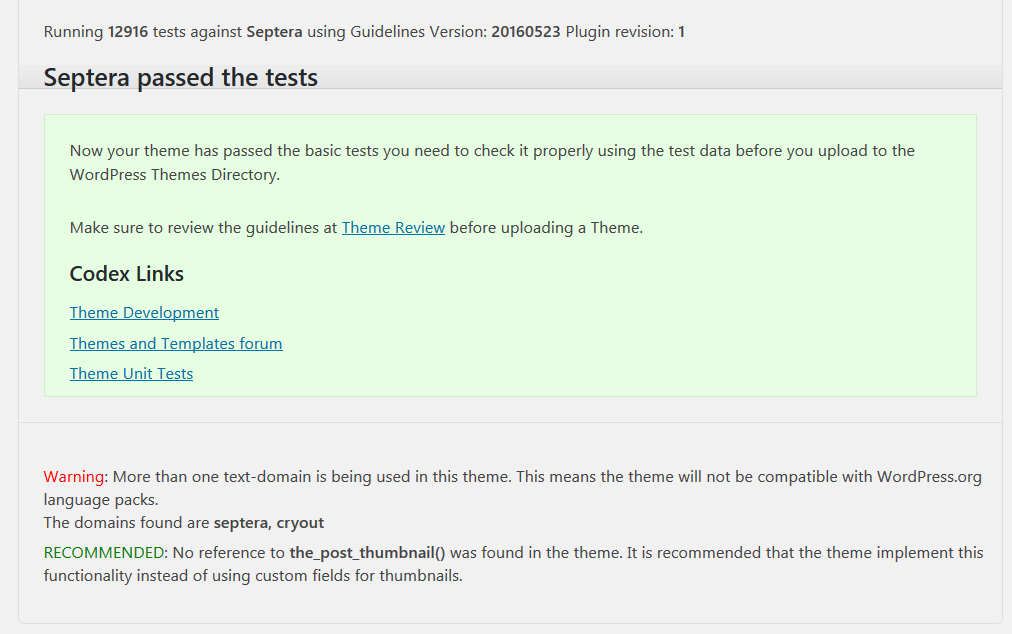
Theme Validation Service WordPress link
http://themecheck.org/ (Сopy of the links for Reliability)Septera test Result: link
http://themecheck.org/score/wordpress-theme-septera.htmlTheme Check Plugin link
June 14th, 2018 at 10:01 #64941In reply to: cookie notice and septera 1.2.4
Cryout Creations mastermindThere is indeed some invalid markup around the ‘to-top’ button which might cause issues in some cases with specific browsers. Thank you for pointing that out. We’ll correct it as soon as possible.
However, the only plugin I can confirm a problem with is Eu Cookie Notice. All others worked fine with the current 1.3.0.2 Septera release:Cookie Consent:
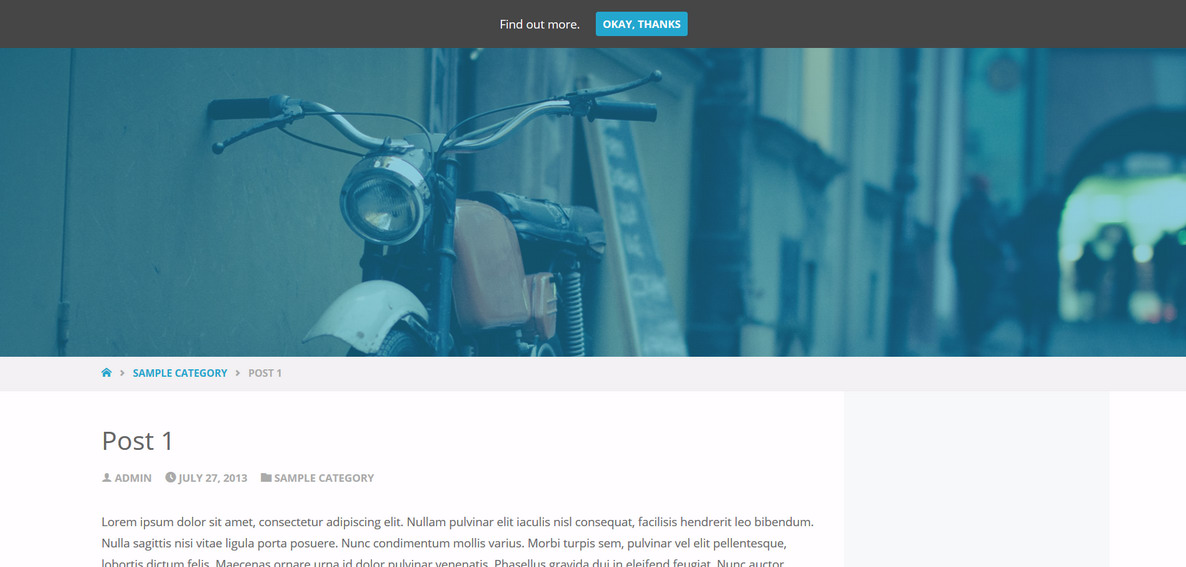
Cookie Law Bar:
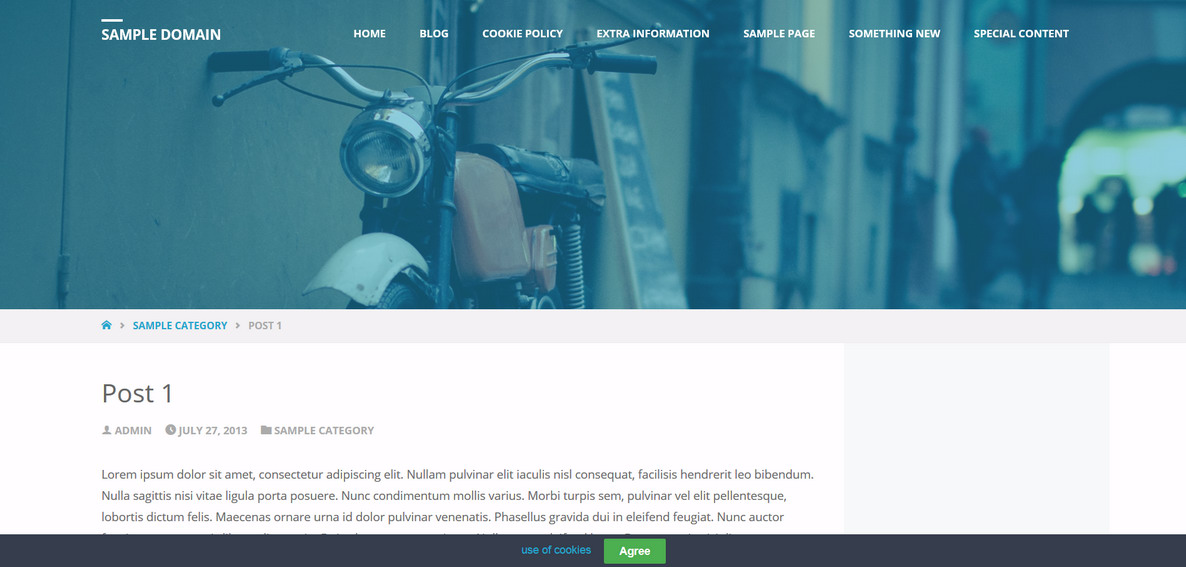
Cookie Notice Bar:
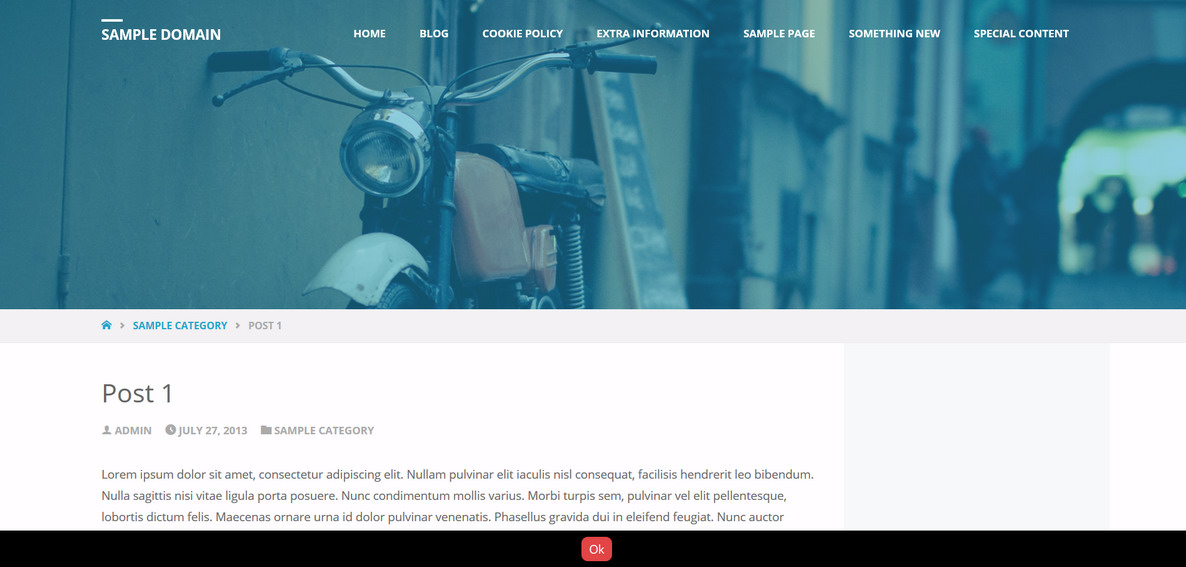
Cookie Notify:
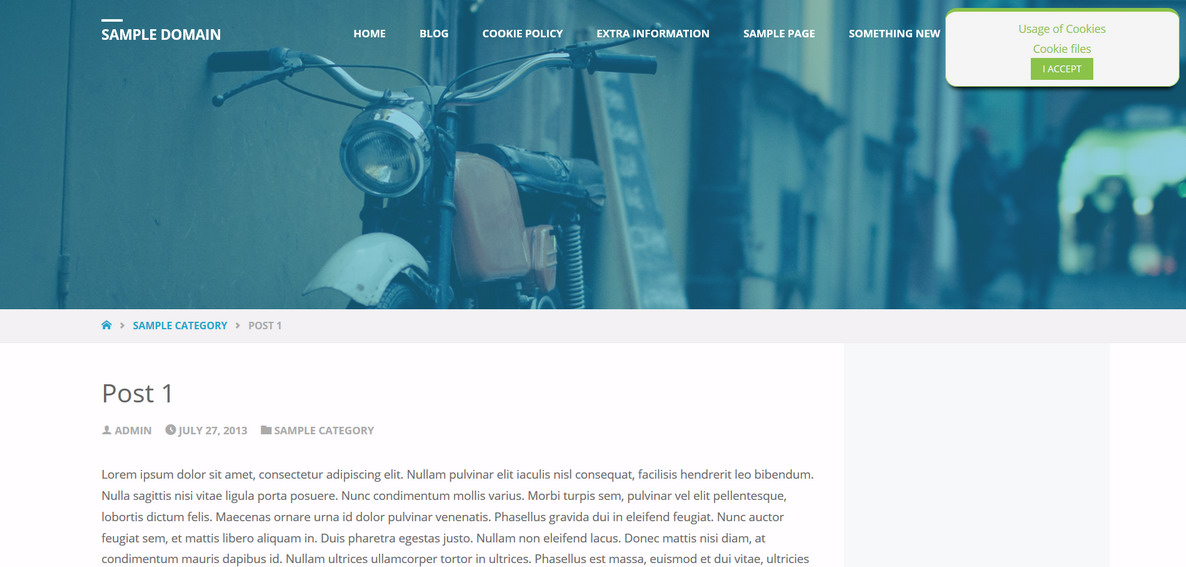
Easy Cookie Law:
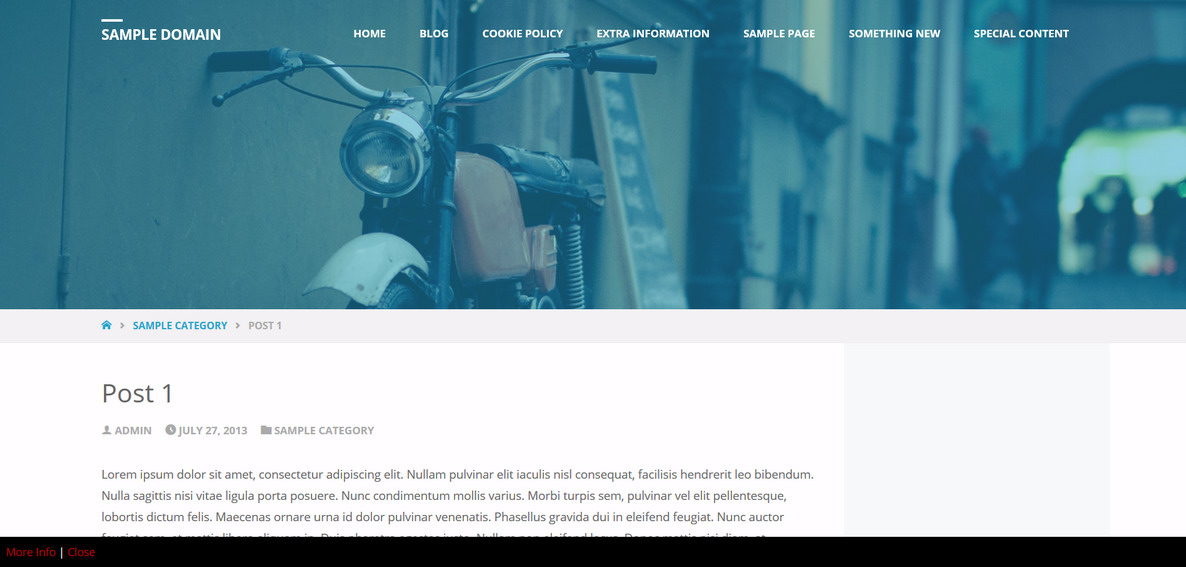
GDPR Cookie Consent:
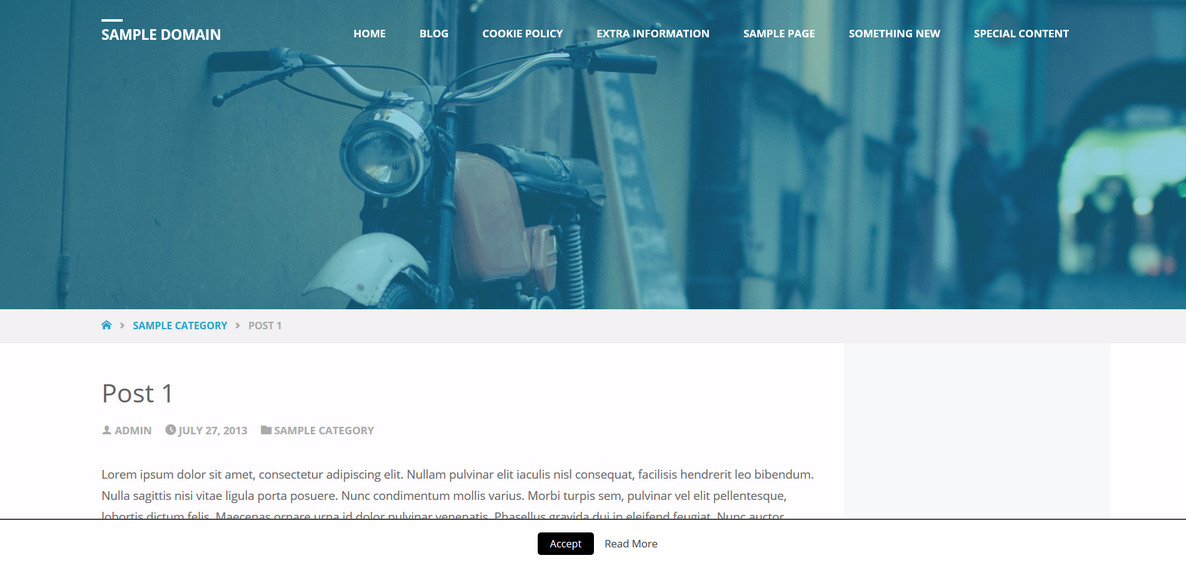
I did notice however that uBlock blocks most of these notifications.
@Listopad, which theme check plugin did you use and what errors does it show you?
-
This reply was modified 8 years ago by
Zed.
If you like our creations, help us share by rating them on WordPress.org.
Please check the available documentation and search the forums before starting a topic.June 13th, 2018 at 15:53 #64914In reply to: 1.5.5. Submenu Not Working
Mike Creighton
Power UserI am also experiencing exactly the same in Chrome – sub-menu taking two or more clicks to open and the submenu items close and reopen when clicking. Works fine on Safari.
sotonnhs.net
June 13th, 2018 at 12:13 #64908In reply to: cookie notice and septera 1.2.4
Power UserTested Cookie Notification Plugins:
Cookie Law Bar, Cookie Notice Bar, Cookie Notify, Easy Cookie Law, Eu Cookie Notice, GDPR Cookie Consent, Cookie Consent, Сookie-notice.All plugins with the theme Septera text are not present, only the “Ok” buttons are visible.
The possible reason is:
In the browser, FireFox looked at the source code of the page in the Septera theme. Errors found:
1. The target tag </div> is detected, but there are open items
2. Found the homeless end tag </footer>
3. End tag </body> detected, but there are unclosed itemsThe syntax in the theme files is probably broken.
I suggest to apply the theme-check plugin, which showed many errors in the theme files.
June 13th, 2018 at 09:00 #64899In reply to: cookie notice and septera 1.2.4
trias
Power Userseptera 1.3.02 also doesn´t show cookie notice, not in firefox, not in chrome an not in IE.
With or without blocker :-((Website: www.jakobi-zein.de
June 11th, 2018 at 16:51 #64871In reply to: 1.5.5. Submenu Not Working
theukwedevent
Power UserHi I’m having the same issue.
It is affecting Chrome which is not opening the sub menu options and it takes two clicks in IE as reported by the other poster.
Website: www.theukweddingevent.co.uk
-
This reply was modified 8 years ago by
theukwedevent.
June 11th, 2018 at 10:22 #64836In reply to: Vertical caption align
Thank you for your reply. Unfortunately the code isn’t working, unless I’ve been pasting it in the wrong place (main css file for Septera template – “LP Responisieness” section since a similar code can be found there).
I think it would be more user frendly if you could find the “vertical align” option simply in the slider’s option panel. Code changing isn’t very efficient way for addjusting since any new update can wipe out all the changes.
GreetingsJune 10th, 2018 at 21:41 #64833In reply to: Gallery not Loading
I’m still getting the error message on my home page when I use any of the default themes. I just tried both Twenty Sixteen and Twenty Seventeen, and Seventeen wouldn’t even load for me. Not sure what’s going on with this. I’ve deactivated all the plugins and reactivated them one at a time, and I’m not seeing any change by doing that.
June 10th, 2018 at 18:25 #64815In reply to: Setting Featured Images for Category Archives
Cryout Creations mastermindWordPress does not provide functionality for assigning featured images to categories or acrhive sections.
If you like our creations, help us share by rating them on WordPress.org.
Please check the available documentation and search the forums before starting a topic.June 10th, 2018 at 18:20 #64813In reply to: Align Text In Text Area Box
Cryout Creations mastermind#lp-text-one .lp-text-inside { }
is the correct identifier of the element on which to apply the text alignment.If you like our creations, help us share by rating them on WordPress.org.
Please check the available documentation and search the forums before starting a topic.June 10th, 2018 at 17:10 #64810In reply to: 1.5.5. Submenu Not Working
I have issues on my laptop – Dell XPS15. I tried to clear the cache of all my browsers but it did not help. I can record a video to show you the issue.
When I use Chrome and click on a submenu the menu hides and gets immediately expanded again and nothing else happens. When I tried Chrome on another laptop the sub menus work but the corresponding menu gets expanded again after I click on a sub item.
When I use FireFox or IE I have to click twice on the sub menu for it to take effect. The first time it just does nothing – only the menu hides.
On mobile version everything is OK.
I also use Anima theme on another site of mine and with its menus everything is OK. I also tried to switched the Anima site to Fluida too but the same error appeared right on the Live Preview…Do you have any idea what can I do to fix it? Should I wipe all settings and restore them? Will switching themes will work?
June 10th, 2018 at 16:36 #64808In reply to: cookie notice and septera 1.2.4
Power UserOK, there was a little misunderstanding…
I returned to septera 1.2.3, because the cookie notice didn´t work, an that´s what you see on the website now 🙂
Now I updated to 1.3.1, please have a look again now. It doesn´t work in Firefox and it doesn´t work in chrome.
(I will leave the site for today with the 1.3.1 installation, but I have to change it back to 1.2.3 with a working cookie notice…That´s how it looks today:
June 10th, 2018 at 16:13 #64806In reply to: cookie notice and septera 1.2.4
Cryout Creations mastermindI can see the cookies notification at the top of the site just fine if I disable the ad blocker in my Firefox.
The notification is visible in Chrome (which uses a different blocker).
If you like our creations, help us share by rating them on WordPress.org.
Please check the available documentation and search the forums before starting a topic. -
This reply was modified 8 years ago by
-
AuthorSearch Results