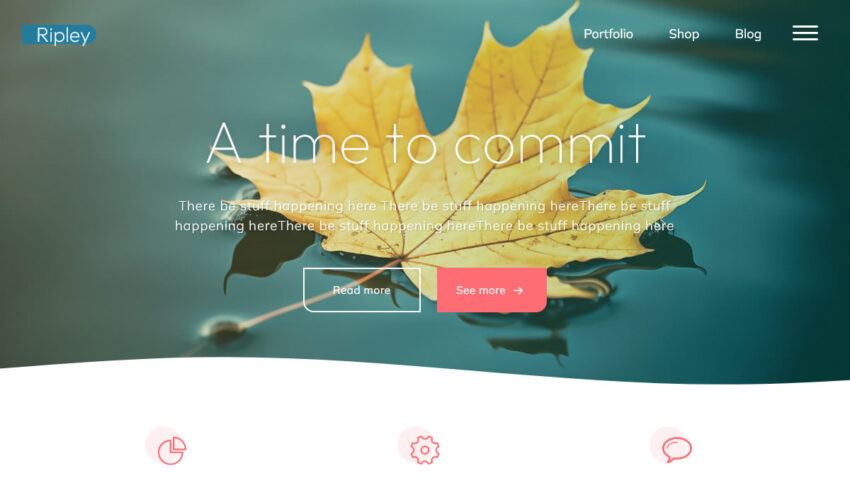
Ripley – A brand new face for Bravada

Ripley is a brand new child theme for Bravada. It’s our biggest and most complex child theme yet, adding quite a bit of personality to an already charming theme.

We changed the parent theme’s design and animations quite a bit, giving it a more organic look while keeping the essence of Bravada intact.
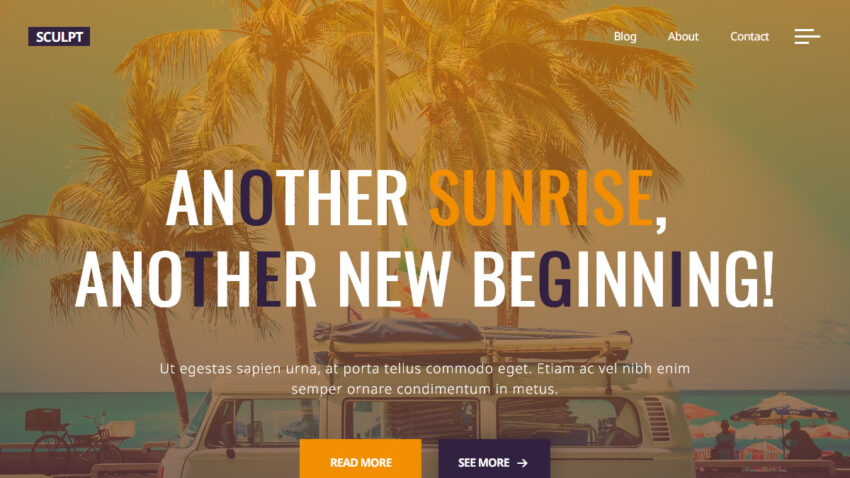

Bravada – A Brand New Full Screen WordPress Theme

Our latest WordPress theme – Bravada is just like fine wine. It has a great texture, the amazing color is envied by all others and you get a soft buzz every time you’re using it. And just like wine, only people with great taste will appreciate it at its fullest.

Follow us after the jump to find out more!

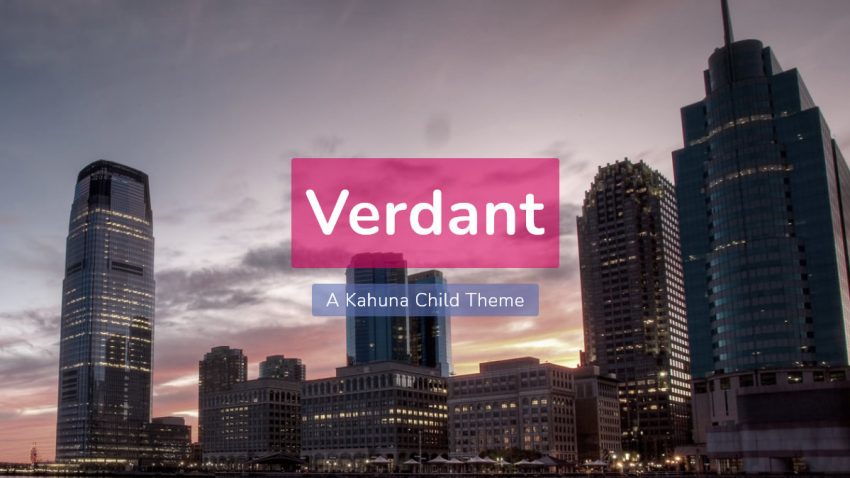
Verdant – A Kahuna Child Theme

Verdant is Kahuna’s first official child theme. Verdant is fast, lightweight and responsive. It’s also the perfect mix of performance, design and customizations. Everything you know and love about Kahuna, you’ll also find here.

Serious Slider 1.3 does some sanity checks

Changelog:

  • Fixed insufficient permissions check in slide image handling code allowing users with at least subscriber level to delete images from slider – reported by Legion Hunter to patchstack.com and kr0d to Wordfence
  • Rewrote initialization to resolve the ‘_load_textdomain_just_in_time() was called incorrectly’ notice introduced by WordPress 6.7
  • Hardened permissions checks in functions handling sliders configuration parameters
  • Improved sanitization and escaping according to the Plugin Check (PCP) recommendations
  • Improved slider generation workflow to reset form after dynamic creation
  • Improved performance by moving scripts loading to footer
  • Fixed jQuery.isFunction() and jQuery.fn.bind() deprecation notices
  • Tested for compatibility with WordPress 6.9
  • Bumped required PHP version to 7.0

Autumn reflections and prospects of the future

Your may have noticed a wind down of our activities, sometimes with the ambiguous feeling that we may have gone away completely.
That has not happened…yet, and unless the universe decides otherwise, we’ll stick around for a while.

How to customize code in WordPress using a mini plugin

The greatness of WordPress comes from its highly customizable nature – almost everything can be tweaked, edited, adjusted or replaced without the need to directly dive into the core files and modify existing code.
Mini-plugins are very useful at applying small tweaks or little bits of code on the site.

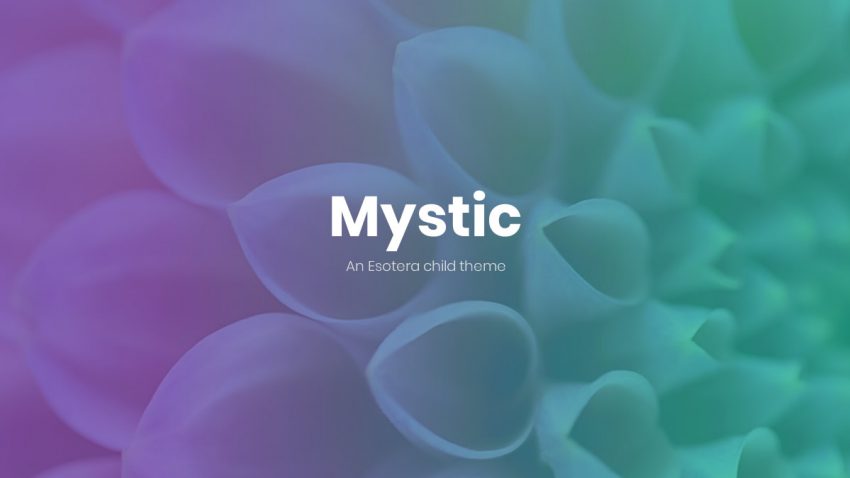
Mystic – A colorful new child theme

Built with design in mind, Mystic will attract your users with great use of color, curves, lines and shadows while tasteful animations will enhance the browsing experience.

How to update or fix translations that no longer work

WordPress’ translations system is based on a direct strings replacing system. When the translation files and the actual extension code get out of sync some existing translations can become obsolete while other texts may start showing up non-translated because they are not included in translations. This is when the the translation files need to be updated to account for texts changes and new translations need to be added.